Education · Analytics
The Power BI Fellowship
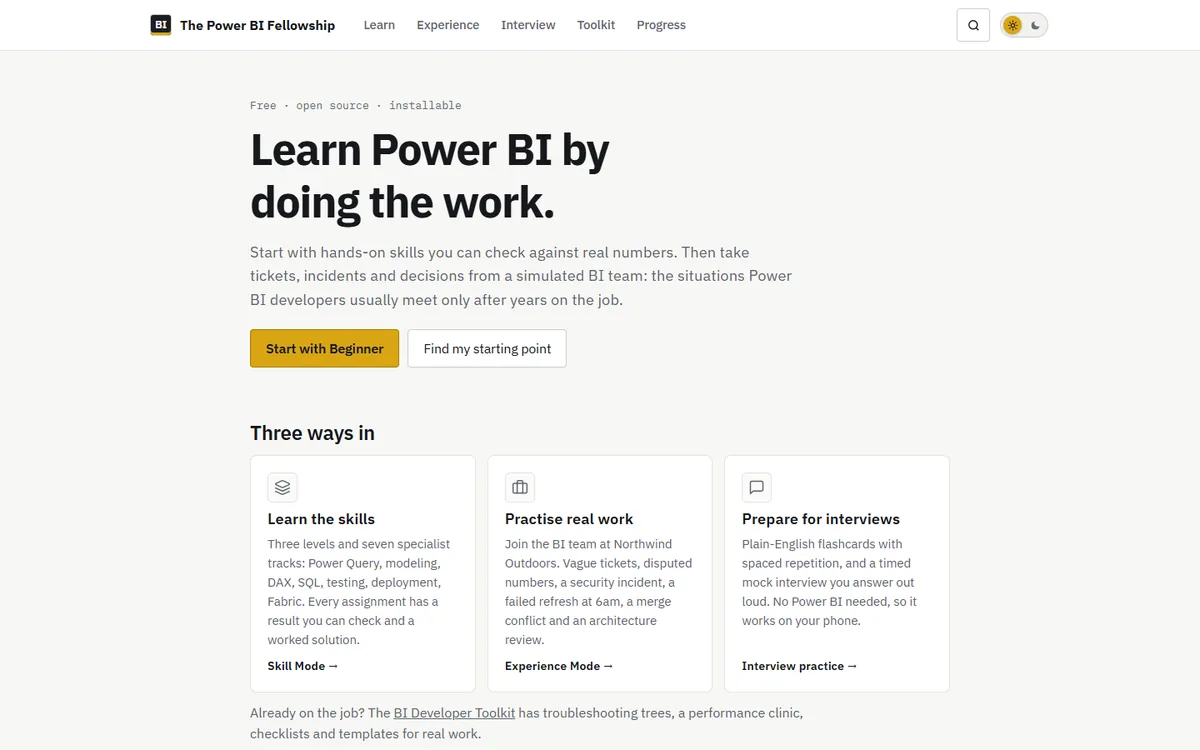
Most Power BI courses teach features. This one teaches the job: the vague requests, disputed numbers, failed refreshes and design decisions that BI developers usually meet only after years at work.
- Type
- Open-source learning platform
- Content
- 3 levels · 7 tracks · 18 scenarios · 30 guides
- Runs on
- GitHub Pages; progress stays in the browser
- License
- MIT
Overview
The Fellowship is organized as Learn → Practise → Debug → Ship → Operate → Architect. It needs no account and no server, and it tracks nothing by default.
- Skill Mode: three levels and seven tracks (SQL for BI, warehousing, testing, automation and APIs, governance, Fabric and modern Power BI). Each assignment has an expected result you can check and a worked solution.
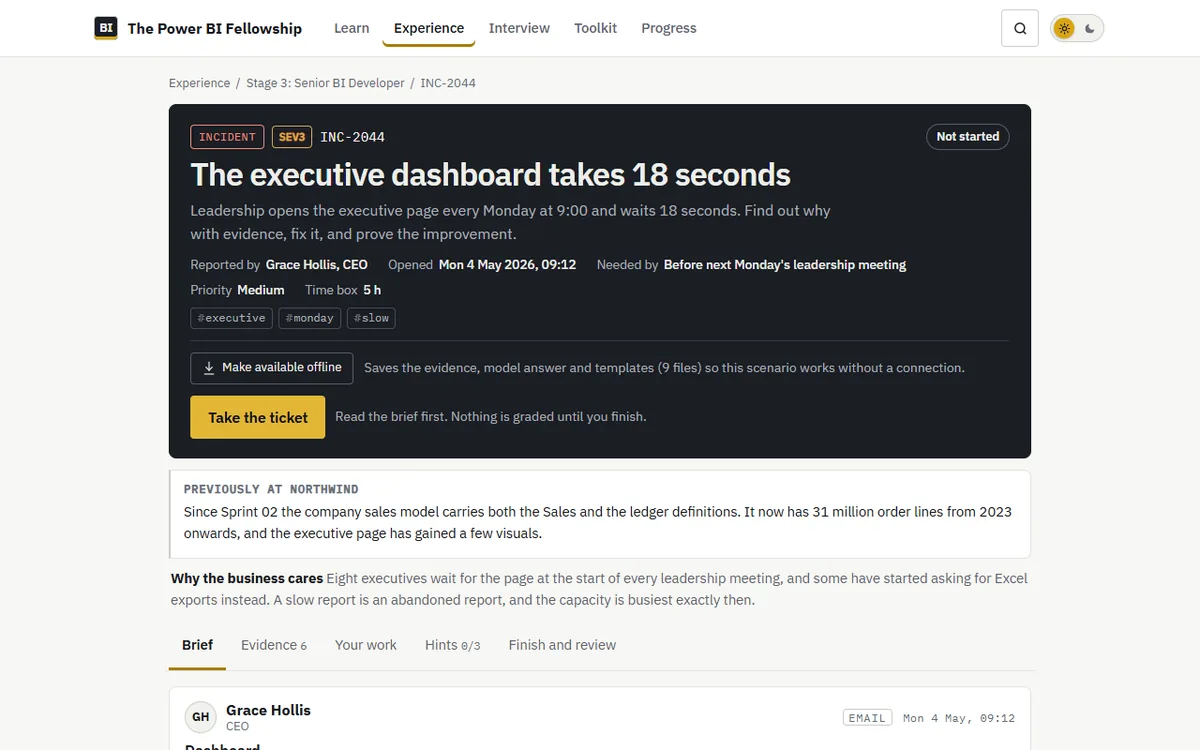
- Experience Mode: ten connected sprints and eight drills at Northwind Outdoors, a fictional retailer, with emails, chat messages, evidence files, progressive hints, a rubric and a model answer.
- BI Developer Toolkit: one search across 30 guides, including “what’s broken?” decision trees, a performance clinic, a production runbook and an error decoder, plus a library of templates and datasets.
Motivation
I spent several years building and administering Power BI reports. Most of the hard parts of that job are not features. They are judgment calls: reconciling a number Finance disputes, finding why a page takes 18 seconds, deciding between a hotfix and a rollback. The Fellowship hands you the evidence and makes you decide.
How it’s built
- Content lives as JSON in
content/, and a build step intools/generates the static site. - Pages are readable without JavaScript, and the build fails if a hint, rubric or model answer leaks into them.
- Any scenario can be made available offline.
Tested, not trusted
- Every dataset is generated from a fixed seed, and its counts, nulls, duplicates, keys and planted defects are asserted. Expected results are computed from that data at build time.
- SQL answers are executed on SQLite and on SQL Server 2022, and both engines must return the same rows.
- Critical journeys, accessibility (axe-core, both themes) and layout at four widths are tested in a real browser on every push. Nothing deploys unless everything passes.
- Fast-moving content carries a verification date, and an issue opens automatically when its review is due.
Progress you can trust
Progress is shown separately as verified (your first quiz answer), self-assessed and recall (spaced repetition), and each figure explains how it is calculated. Professional stages, from Data Analyst to Architect, are cleared by finishing well-rated scenarios, not by ticking boxes.